Your Books, Highlights & Progress on Every E-Reader: BookFusion for KOReader is Here

If you love e-readers, there’s a good chance you own more than one.
Maybe you read on a Kobo at home, a Kindle when you travel, a Boox or PocketBook for PDFs and manga, and your phone when you only have a few minutes. Each device has its own strengths but until now, keeping your books, reading position, and highlights together across them could feel like a workaround.
- Your page was on one device.
- Your highlights were on another.
- And your library lived somewhere in between.
Today, we’re excited to officially launch the BookFusion KOReader Plugin, a new way to connect KOReader directly to your BookFusion library.
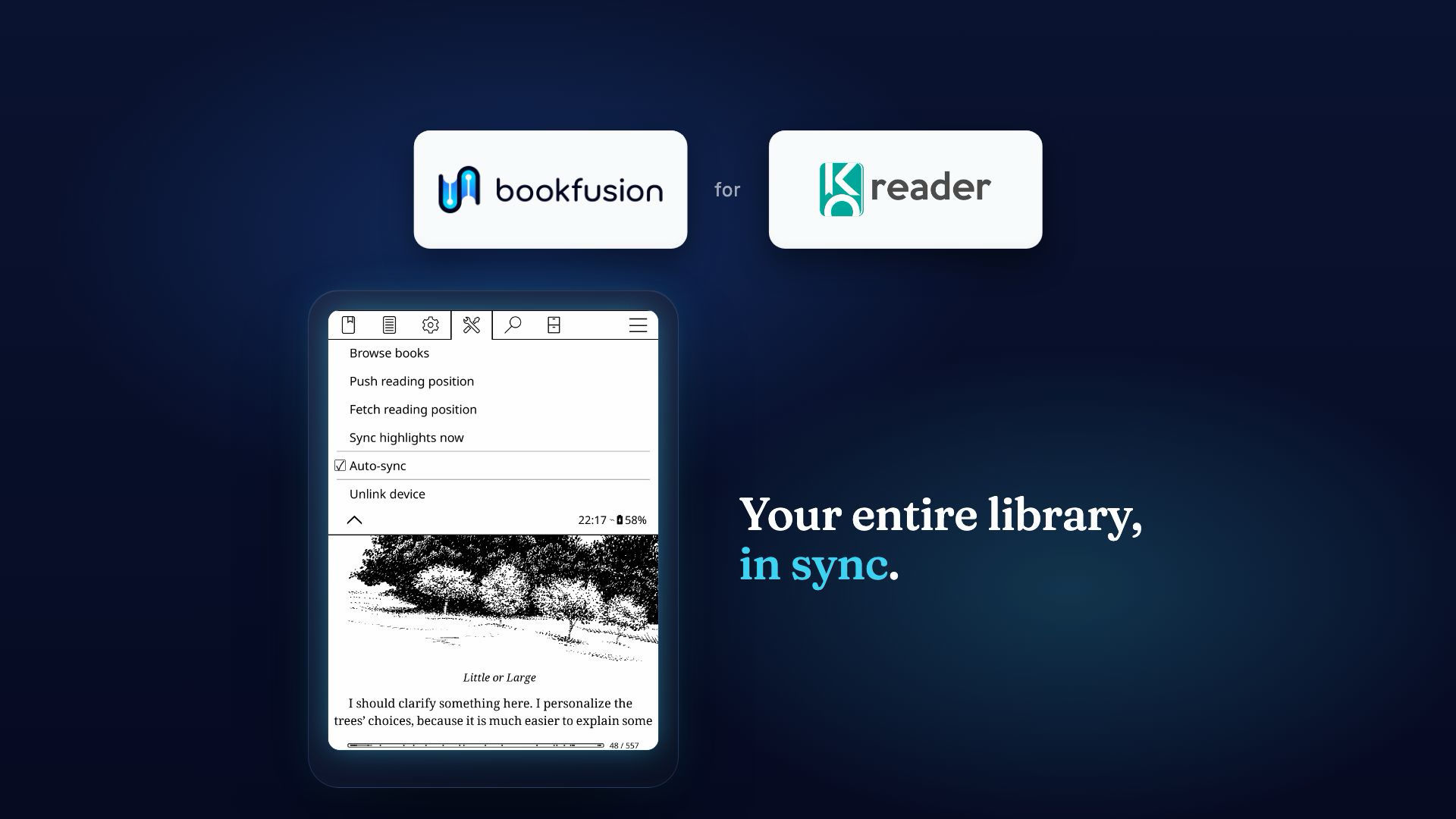
With the plugin, you can browse your BookFusion library inside KOReader, download books over the air, and keep your reading position and highlights in sync across KOReader devices and the BookFusion apps on Web, iOS, and Android.
No cables. No manual transfers. No file hashes . No walled gardens.
Just your content, wherever you want to read.
How to Get Started
To use the BookFusion KOReader Plugin, you’ll need:
- KOReader 2026.03 “Snowflake” or later
- A BookFusion account
- The BookFusion KOReader plugin
Start with the setup guide here:
BookFusion KOReader Plugin Guide
https://docs.bookfusion.com/docs/KOReader/
The guide walks you through installing the plugin, linking your device, browsing and downloading books, syncing reading position and highlights, setting up gestures, and troubleshooting common issues.
Built for Readers Who Use More Than One Device
KOReader is one of the most powerful open-source reading apps available for e-ink and Android devices. It is popular with readers using devices such as Kobo, Kindle, PocketBook, reMarkable, Boox, and other e-readers that support KOReader.
BookFusion is built around a simple idea: your books, articles, highlights, notes, reading progress, and reading life should travel with you.
The KOReader plugin brings those two worlds together.
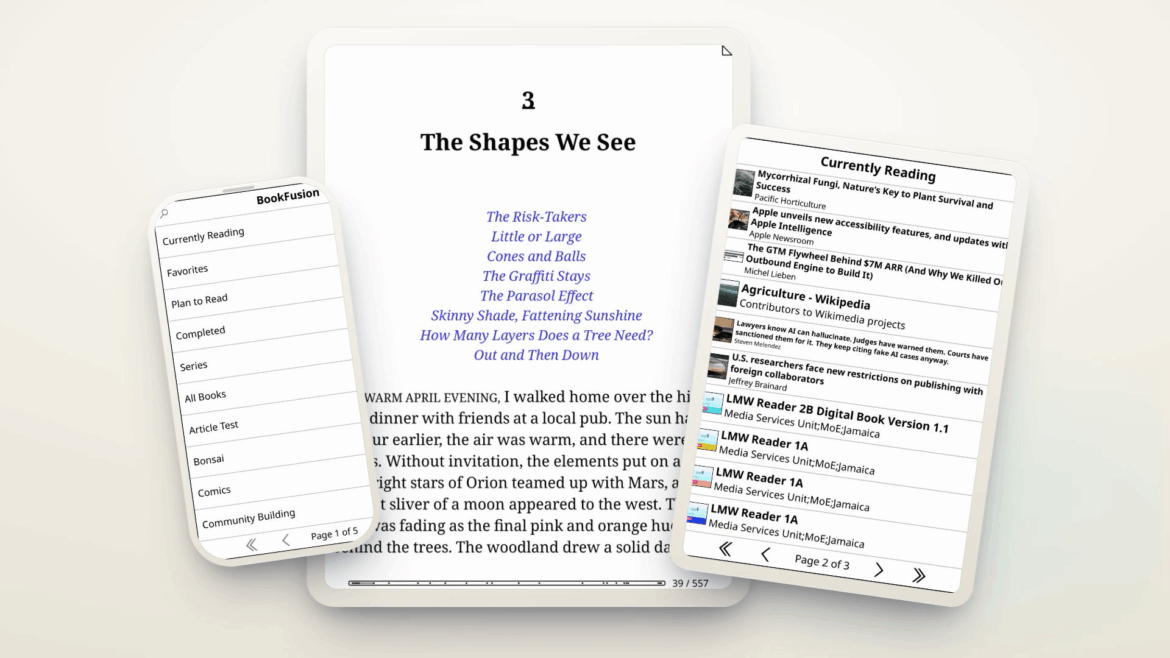
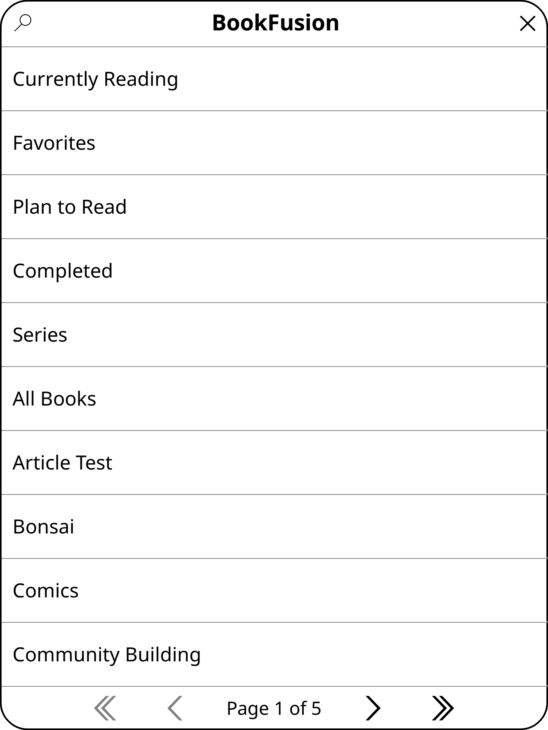
Once installed and linked to your BookFusion account, the plugin lets you open KOReader, go to the BookFusion menu, and access your library directly from your device.
You can browse by:
- Currently Reading
- Shelves
- Smart Shelves
- Tags
- Series
- Your full library
Then download the book you want and start reading.
What You Can Do with the BookFusion KOReader Plugin
Browse and Download Your Library from KOReader
Open the BookFusion plugin inside KOReader and browse your library without needing to connect your device to a computer.
You can find the book you want, choose where to save it, and download it directly to your e-reader.
For readers with carefully organized libraries, metadata such as series, tags, and covers are included when the book is downloaded, helping KOReader display your books more usefully on device.
Pick Up Where You Left Off
Read on one device, sync your position, and continue on another.
Finish a chapter on your Kobo. Later, open the same book on your Boox, Kindle, PocketBook, phone, tablet, or the web, and continue from where you left off.
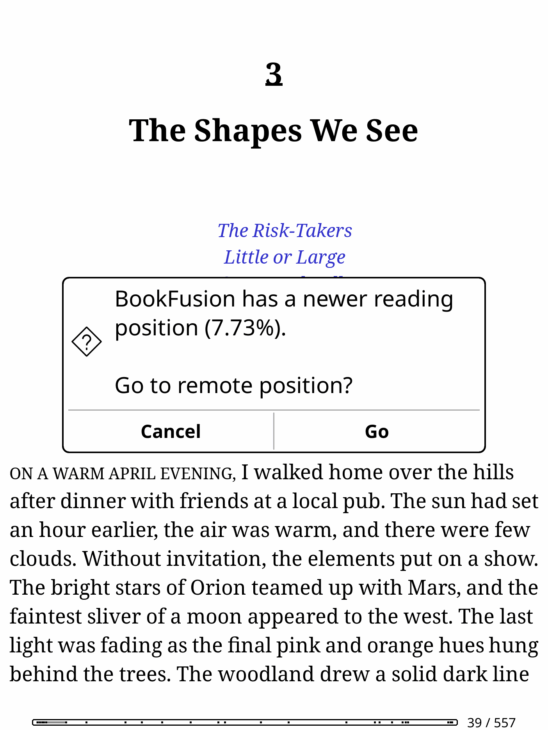
The plugin supports both manual sync and auto-sync, so you can decide how much control you want.
Sync Highlights Across Devices
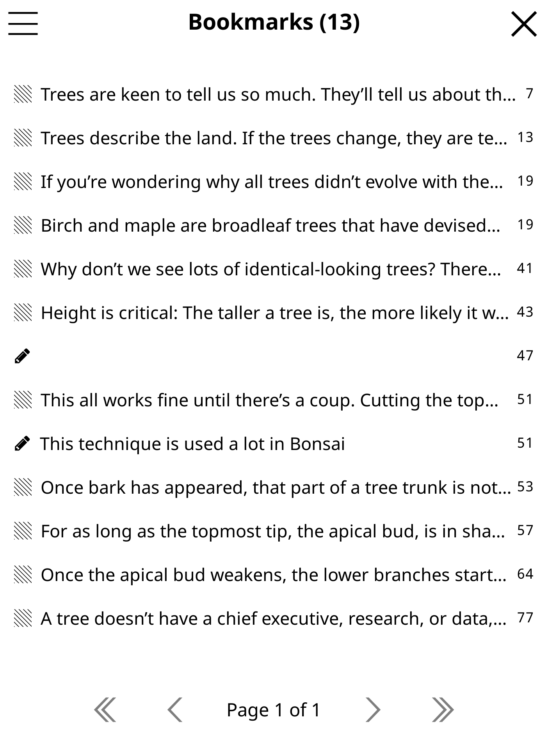
Highlights made in KOReader can sync back to BookFusion, making them available across your connected devices and BookFusion apps. (Exports to Obsidian, Notion & More)
This is especially useful for readers who use e-ink devices for deep reading but still want access to their highlights later on web or mobile.
Use Gestures for Faster Syncing
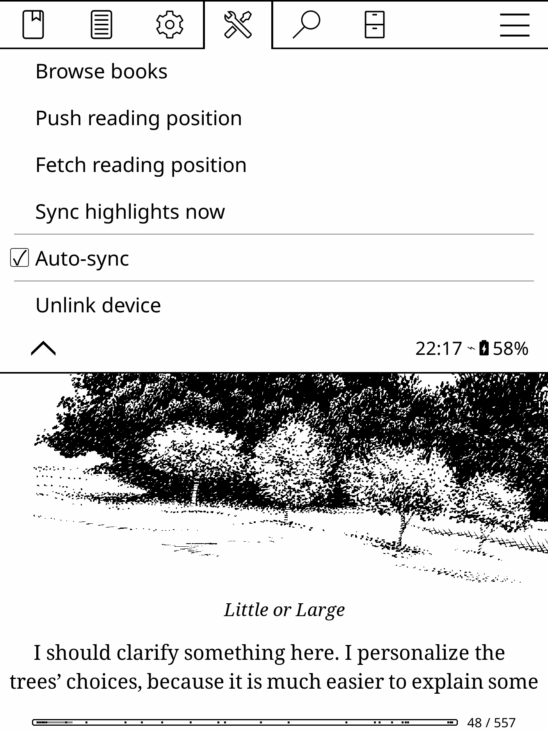
For readers who prefer fewer menus, the plugin adds BookFusion sync actions to KOReader’s Gesture Manager.
You can assign actions such as pushing progress, pulling progress, or syncing highlights to your preferred taps or swipes.
Track Reading Time
Reading time in KOReader can also count toward your BookFusion reading totals.
That means time spent reading on your e-reader becomes part of your broader reading history in BookFusion, alongside time spent in the BookFusion apps.
Early Reader Feedback
Before making the plugin generally available, we shared it with beta readers and iterated based on their feedback. Readers helped identify bugs, test sync behavior across devices, and suggest improvements for future releases.
Here are some of the comments we received during testing:
“Syncing is very fast.”
“The new beta worked well for annotation sync. On one EPUB I made more than 30 highlights and they synced correctly between two Boox devices.”
“Thank you for the update! Everything is working great so far. The download fix is super helpful :))”
“It works great on my PocketBook and Kobo. Thanks.”
“Enjoying this plugin so far.”
“Great Plug-in. I have connected KOReader on my Kobo to my BookFusion account, and it works flawlessly.”
“Latest update, so far, appears to be working perfectly on PineNote, Boox Nova Air C, and Boox Palma. Looking forward to the first public announcement!”
“Excellent. Thanks.”
This is exactly why we wanted to build the plugin with the community: real readers, real devices, real libraries, and real reading workflows.
What’s Supported Today
The first public release focuses on the core reading workflow:
- Browse your BookFusion library from inside KOReader
- Download EPUB books directly to your device
- Sync reading position
- Sync highlights
- Use manual sync or auto-sync
- Assign sync actions to KOReader gestures
- Track reading time
- Download books with updated series, tags, and cover metadata
Today, the main sync focus is reading position and highlights.
What’s Coming Next
This launch is an important milestone, but it is not the end of the KOReader roadmap.
Based on reader feedback, we are already looking at several improvements, including:
- PDF support
- CBZ/CBR support
- Downloading multiple books in one action (future)
- Better sorting options when browsing books
- Downloading clean article EPUBs
- Importing existing KOReader highlights into BookFusion
- Additional improvements
As always, we’ll continue listening to reader feedback and improving the experience over time.